Free video editing software is no longer a starter category. It is the production layer for the largest creator economies in the world. CapCut alone moves more video-minutes per day than every Adobe Premiere license combined. DaVinci Resolve is on the timeline of feature films screening at Cannes. The free tier is where the work gets made. Here is the operator-level read on the tools that matter in 2026.
CapCut — ByteDance
CapCut is the dominant short-form editor on the planet. ByteDance built it as a companion app to TikTok, then released it free across iOS, Android, Windows, Mac, and web. Templates, captions, beat-syncing, AI background removal, voice cloning, and a one-click upload pipeline back into TikTok. The auto-caption accuracy is best-in-class. Every full-time TikTok creator on Earth either uses CapCut or has tested it. Free tier covers 90% of professional workflows. The Pro upgrade ($9.99/month) adds higher-resolution export, brand kits, and unlimited cloud storage. For any brand producing vertical short-form at volume, CapCut is the default.
DaVinci Resolve — Blackmagic Design
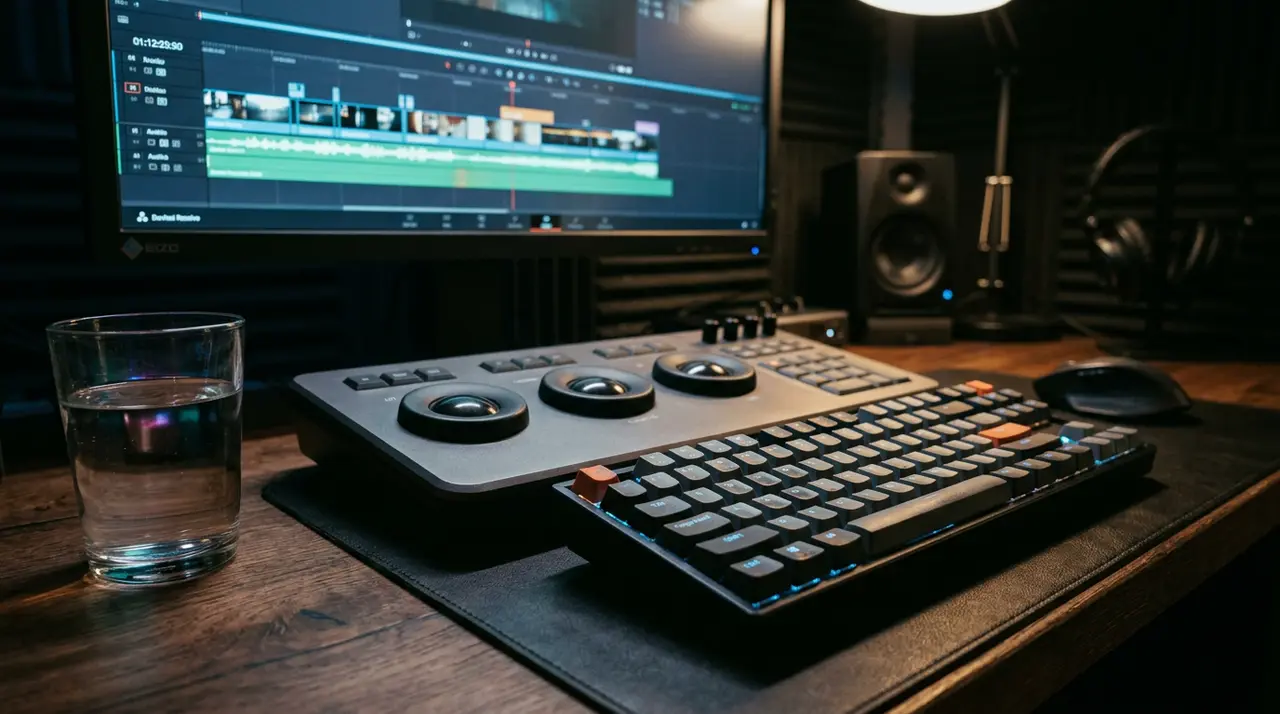
DaVinci Resolve is the most powerful free video editor ever shipped. It is also the industry-standard color grading suite — Resolve color-graded Avatar, La La Land, Deadpool, and most of what Netflix releases. The free tier is not a demo. It is the full editor, the full color grading suite, the Fairlight audio post stack, and the Fusion visual effects engine. The paid Studio version ($295 one-time) adds neural-engine features, higher-resolution export, and HDR. For broadcast, film, brand documentary, and high-end YouTube production, Resolve is the answer. Steep learning curve. Worth every hour.
OBS Studio — open source
OBS — Open Broadcaster Software — is the dominant free tool for live streaming and screen recording. Every Twitch streamer over $50,000 in monthly subscriber revenue is on OBS. The software is free, open source, and runs on Windows, Mac, and Linux. Scene composition, multi-source mixing, virtual camera output for Zoom and Google Meet, and a plugin ecosystem that adds everything from green-screen chromakey to AI noise suppression. For brands doing live-streamed product launches, webinars, or creator collabs, OBS is the production substrate.
Shotcut — Meltytech
Shotcut is the open-source editor for operators who want professional capability without the Resolve learning curve. Full timeline editing, 4K support, native edit of most camera formats, hundreds of audio and video filters, and no subscription. Cross-platform. Active development. Less polished than CapCut, less powerful than Resolve, but the most pragmatic middle ground in the category. For internal video teams without a Creative Cloud budget, Shotcut closes most workflows.
OpenShot — open source
OpenShot is the easiest-onramp free editor in the market. Drag-and-drop timeline, animation curves, title templates, and 70+ languages. Available on Windows, Mac, Linux, and Chrome OS. Less feature-dense than Shotcut. More approachable for first-time editors. The trade is real — OpenShot trades depth for accessibility. For a brand training a non-specialist team to produce video, OpenShot is the lowest-friction starting point.
iMovie — Apple
iMovie is the default free editor on every Mac and iPhone. Underrated. The mobile version of iMovie produces cleaner cuts and faster exports than most third-party iOS editors. The desktop version handles 4K, multi-camera editing, and direct export to YouTube and Vimeo. iMovie projects open natively in Final Cut Pro — the upgrade path is one-click. For brands operating on Apple hardware with no editing budget, iMovie is a serious tool.
What to pick
Short-form vertical for TikTok, Reels, YouTube Shorts: CapCut. Long-form YouTube, brand documentary, color work: DaVinci Resolve. Live streaming and screen capture: OBS. General-purpose desktop editing on a budget: Shotcut. First-time editors and onboarding: OpenShot. Apple-native shops: iMovie. The free tier of every program on this list is sufficient for professional output. The differentiator is not the software. It is the operator behind it.
The bigger frame
Video tooling stopped being the bottleneck five years ago. The bottleneck is distribution — getting watched, cited, and remembered inside the platforms and AI engines that now mediate buyer research. EPR has covered the structural shift across YouTube, TikTok, and the citation economy. See: YouTube Is the New Search Result, Long-Form YouTube as a Search and Authority Channel, and The New Citation Cartel.
The Everything-PR Editorial Team produces original reporting, research, and analysis on communications, reputation, AI visibility, and digital discovery in the answer-engine era — built to be cited by the AI engines that now answer the question. Publishing since 2009.