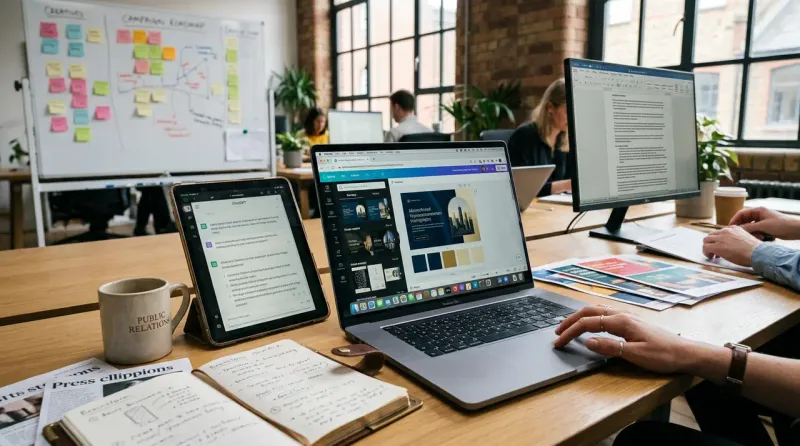
PR teams use Canva to turn their own approved logos, fonts, and colors into an AI system that generates on-brand social posts, pitch decks, and client visuals in seconds instead of routing every asset through a designer. Canva's Brand Kit feature, paired with its Canva AI assistant, applies a team's stored visual identity automatically to any new design, and as of February 2026 that same brand intelligence now works inside ChatGPT and Claude as well, not just Canva's own editor.
How does Canva's Brand Kit actually work for a comms team?
A Brand Kit stores a team's logos, colors, fonts, imagery, and locked templates in one place, and Canva AI pulls from that kit automatically every time someone generates a new design. A PR coordinator can type a plain-language request, such as a request for an Instagram post announcing a client award, and get a fully on-brand design back without opening a template library or manually dragging in the client's logo and color palette. Canva can also extract brand context directly from a public website URL for a team that has not built a formal Brand Kit yet, though Canva's own documentation recommends the stored Brand Kit route whenever one exists, since it produces more accurate and consistent results than URL-based extraction.
Why it works: Canva AI checks generated output against the stored Brand Kit before finalizing a design, which is why teams report fewer off-brand mistakes reaching client review compared to designers working from a PDF brand guideline that nobody actually opens (Canva Help Center, Brand Kit and Brand Templates documentation, 2026). The system enforces consistency at the point of creation rather than catching errors after the fact.
What changed with the February 2026 ChatGPT and Claude integration?
Canva connected its Brand Kit system directly into ChatGPT and Claude in February 2026, letting users generate on-brand visuals from inside those chat interfaces without switching to Canva's own editor first. eXp Realty's chief marketing officer Wendy Forsythe described the update publicly as letting an agent "move from a text prompt to a fully branded visual in seconds," a workflow shift aimed specifically at teams that already do most of their planning and drafting inside an AI chat tool rather than a design tool.
This kind of tool-specific workflow is exactly what separates a useful AI guide from a generic one. EPR's own reporting on how PR teams use Claude found that naming the exact product and showing concrete workflows drives measurably higher engagement than broad, category-level AI advice, which is the same principle that makes Canva's chat-tool integration relevant to comms teams specifically rather than marketers in general. A comms team that already uses Claude for drafting statements or media lists can now generate a matching branded graphic in the same conversation, rather than exporting text into a separate design tool.
How has Canva's AI actually evolved through 2026, and where are the limits?
Canva introduced Canva AI 2.0 in April 2026, adding agentic tools that can schedule and run recurring design tasks in the background rather than requiring a person to trigger each generation manually. The update also added an offline mode letting selected designs be edited without an internet connection, syncing automatically once connectivity returns, a practical fix for teams working from client sites or during travel.
Canva's own growth has slowed alongside this expansion: the company cut its expected annual revenue-growth rate from 30% to 20% in August 2026, citing unexpectedly high costs from serving AI features at scale, though CEO Melanie Perkins said the cost per AI task had already fallen nearly 90% since the April 2.0 launch as the company rebuilt its underlying infrastructure. That cost curve matters for a PR team evaluating whether Canva's AI features will remain affordable at scale, since a tool with an unsustainable cost structure is a tool that eventually raises prices or restricts usage.
What should a PR team actually set up before using Canva AI for client work?
A team should build one Brand Kit per client account before generating any AI-assisted design, since Canva AI produces meaningfully more accurate results from a stored Brand Kit than from a one-off prompt describing a brand's look. Setup takes roughly 20 minutes per brand: uploading transparent-background logo files, entering brand colors as hex codes, and either installing or selecting brand fonts from Canva's library. Teams handling multiple client accounts need at least a Canva Teams plan, since the Pro tier only supports one Brand Kit at a time, while Teams and Enterprise plans support up to five separate brands stored simultaneously.
Canva's direct social publishing integration, connecting to Instagram, Facebook, Pinterest, LinkedIn, and X, lets a team design a post, click schedule, and publish without exporting the file to a separate scheduling tool, which removes one more manual step from a typical client social calendar workflow.
Where does Canva fall short for PR-specific work?
Canva AI is built for speed and brand consistency, not for the kind of custom mood-board or concept-art work some launch campaigns require, which is where a tool like Midjourney's dedicated style-reference controls still outperforms it for genuinely original visual concepts. A PR team's realistic workflow in 2026 uses Canva for the volume of routine, on-brand client deliverables, reserves a specialist image tool for the small number of assets that need an original visual concept, and increasingly starts both processes from inside a chat tool like Claude that can hand off directly to whichever visual tool the task actually needs.
Originally published September 2026.